
AI voiceover video maker: voice and picture together
A lot of "AI video with voiceover" searches are two tools taped together: a clip generator and a separate TTS tab. The cuts then miss the words.
AlphaDrama times the shots to the voice. You pick a narrator or character voices, the picture follows the lines, and captions are burned in.
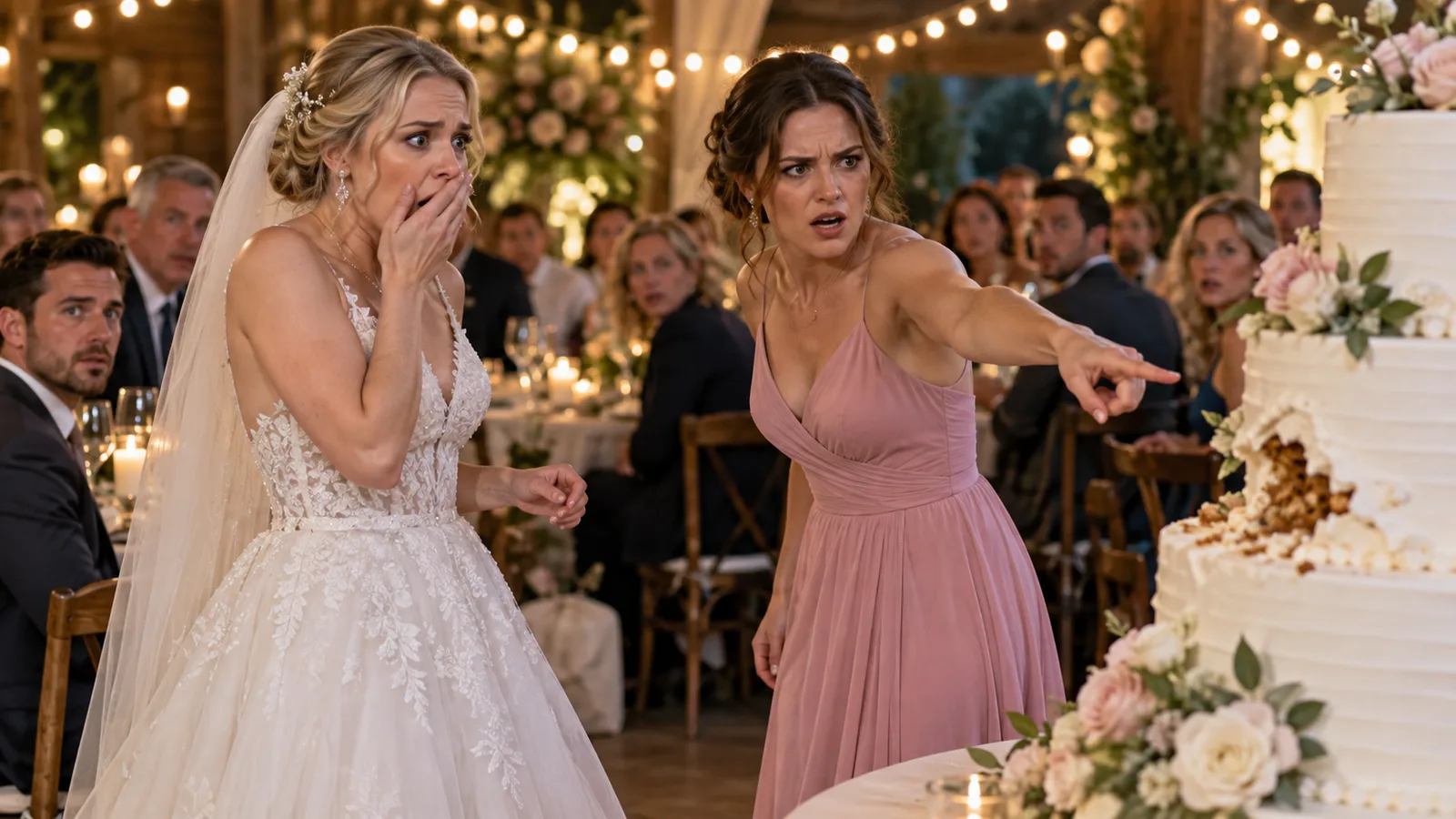
Example: 90-second narrated story, American voice, captions on: "I should have left when the baker handed me the note. I read it at the toast instead."
Voice first, then coverage
Once the script is set, the voice pass gives you a real duration. Shots are planned against that duration so a 90-second narration does not sit under 40 seconds of pictures, or the other way around.
Narrator or characters, not both fighting
Faceless story channels usually want one narrator. Short dramas usually want character voices, with an optional cold-open voiceover. Pick one lead sound per project and stick to it.
- American, British and Australian narrator options
- Character voices that stay attached to the locked cast
- Captions timed to the same track
Write for the ear
What reads well on a page can feel slow out loud. Short sentences, one idea per line, and a name early so the viewer knows who is speaking.
- Read the first three sentences aloud before you render
- Cut any line that only repeats the picture
- Save the twist for the last ten seconds
Product videos use the same track
E-commerce ads can run voiceover-only: no presenter face, just the product and a calm line. Or they can stay music-and-captions. The voiceover path is the same studio, different intent.
One file, ready to post
You leave with a 9:16 MP4 that already has sound and captions. You do not bounce between a video tab, a voice tab and a caption app to finish a Short.
How it works
Start with a story or a product
Paste a chapter, an outline or a one-line idea. For an ad, add product photos or a product link.
We cast, storyboard and voice it
Characters get fixed looks, scenes get sets, and the script is split into shots with voices and captions.
Review the price, then export
You see the cost before any video renders. Export a 9:16 file for TikTok, Reels and Shorts.
Frequently asked questions
Can I keep one voice for my whole channel?
Yes. Reuse the same narrator or character voice in every project so the channel has a recognizable sound.
Does the picture follow the voiceover?
Yes. Shots are timed to the spoken track, then you can still trim or rewrite a beat.
Can I mix narrator and character voices?
Yes, but keep it simple: a short open from the narrator, then the scene. Constant switching is hard to follow on a phone.
Do I need to record myself?
No. Pick a voice in the studio. Upload your own only if you want that specific performance.
Related
Make your first video today
Sign up free and get starter credits. You see the price before anything renders.
Try this example