
AI video with captions and subtitles already on the picture
Most short video is watched with the sound off, or with the sound competing with a bus. If the words are not on the picture, the story is not there.
AlphaDrama times captions to the same voice track as the shots. You do not export a silent clip and then hunt for a caption app.
Example: Captioned 9:16 scene: "Say my name like I am not a stand-in." On screen the same words, under Emma's face, not over her eyes.
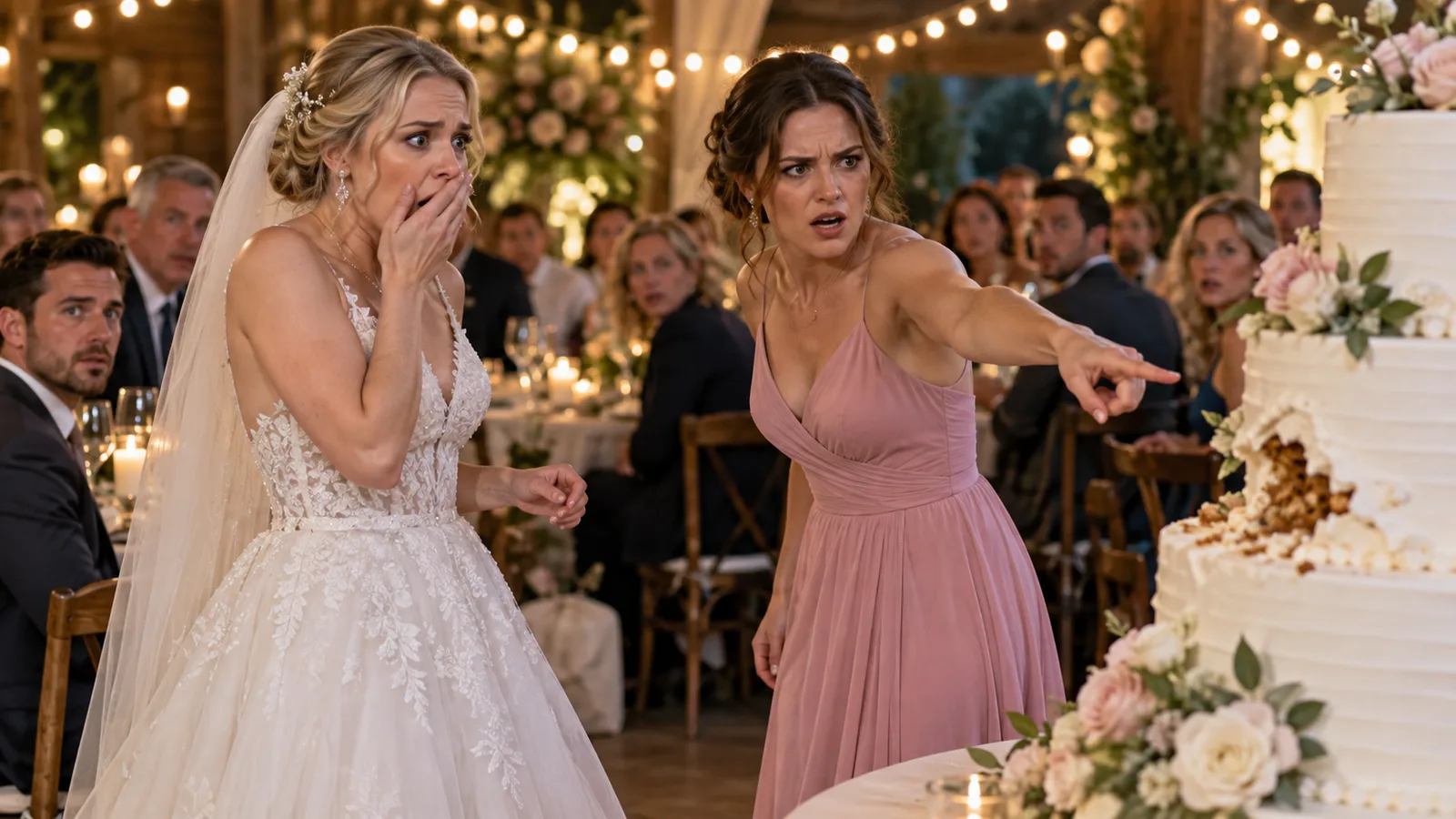
Captions are generated with the episode
When dialogue or narration is voiced, the same lines become on-screen captions. They sit in the vertical safe area so faces stay readable and app chrome does not cover the words.
Sound-off is the default audience
Write as if the first viewing has no audio. Names, turns and the call to action have to read. The voiceover still matters for people who listen; it is not the only path to the plot.
- Burned-in captions, not a separate sidecar you might forget
- Timed to narrator or character voices
- Short lines, because a phone cannot hold a paragraph
Captions versus subtitles
On this page they mean the same job: the spoken words on screen. We are not offering a multi-language subtitle package in twenty tongues on the global site. We are offering readable English (or the language of the episode) on the picture you post.
Product videos need them too
A demo or a Shop ad with feature callouts is still a captioned video. The callout is the selling point; the caption is the spoken line. Do not put both in the same pixel if they fight.
How to write lines that caption well
One sentence per shot when you can. Avoid stacked clauses. Put the twist on its own card so it can sit on screen long enough to be read.
How it works
Start with a story or a product
Paste a chapter, an outline or a one-line idea. For an ad, add product photos or a product link.
We cast, storyboard and voice it
Characters get fixed looks, scenes get sets, and the script is split into shots with voices and captions.
Review the price, then export
You see the cost before any video renders. Export a 9:16 file for TikTok, Reels and Shorts.
Frequently asked questions
Are captions burned into the file?
Yes. They export on the MP4, timed to the voice, so you do not need a second caption app to post.
Can I edit the caption text?
Yes. Change a line in the shot list and the caption follows that line.
Do you generate separate subtitle files?
The default is burned-in captions for social posts. If you need a sidecar file for a long YouTube upload, say so in the project notes and keep the same wording.
What language are the captions?
They match the spoken language of the episode. English is the default on the global site.
Related
Make your first video today
Sign up free and get starter credits. You see the price before anything renders.
Try this example